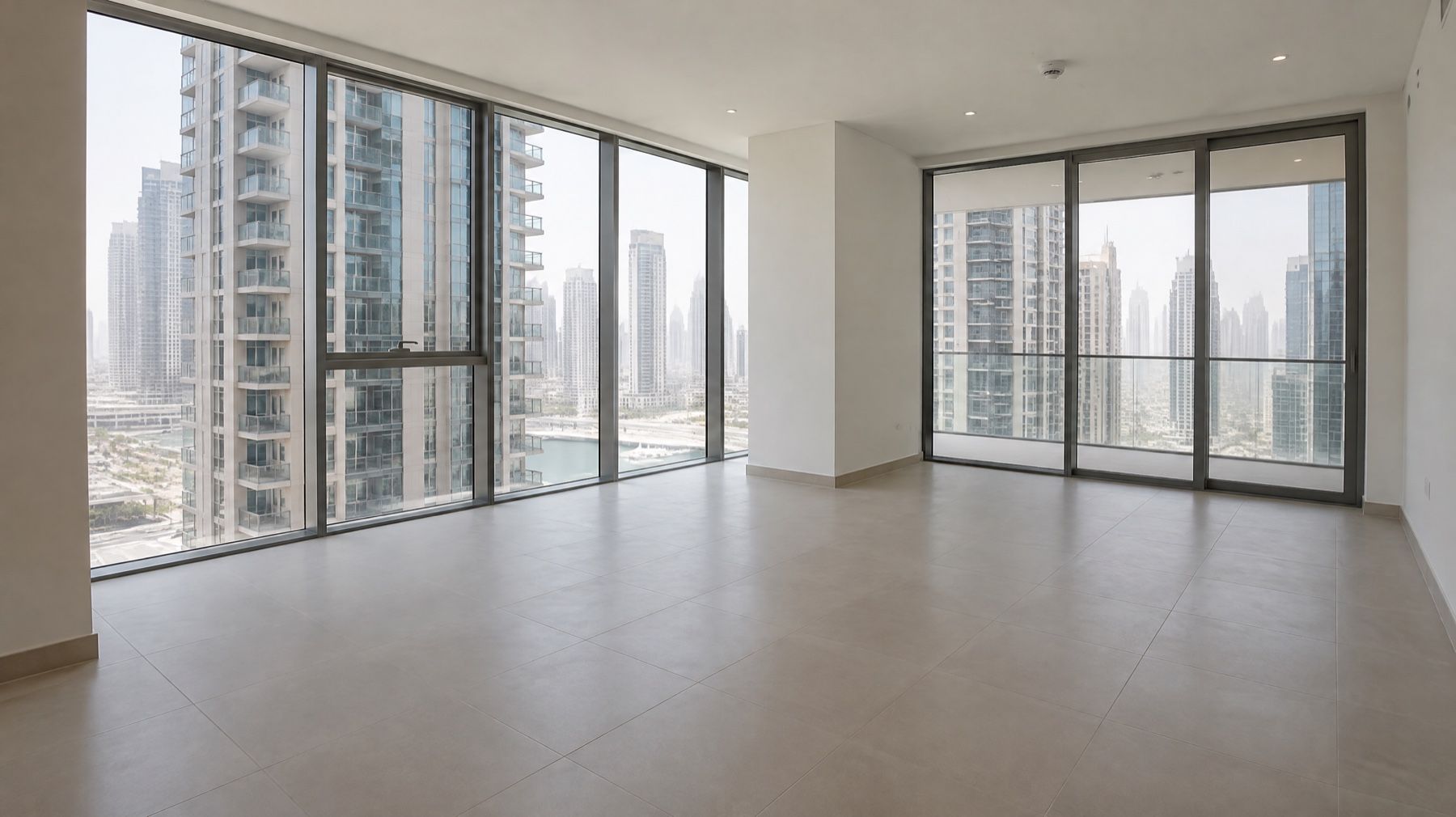
An empty, newly finished apartment living room in Dubai with floor-to-ceiling windows and towers outside.

01

Towers and phases

Set up each project the way the site is built: projects, zones such as towers, podiums or phases, and the units inside them. Every snag sits on a unit and, where you have one, on its floor plan.

  • Projects, zones and units
  • Floor plans with snag pins
  • Templates for apartments, villas and common areas

02

Subcontractor companies

Add each main contractor and subcontractor as a company. Their people sign in free, see only the snags assigned to their company and close them out with a photo of the fix.

  • Free, unlimited contractor accounts
  • Each company sees only its own snags
  • Closeout with photo proof, reviewed by your team

03

Inspection requests (MIR/WIR)

Contractors raise Material and Work Inspection Requests from their free accounts, with submittals, delivery notes and test certificates attached. Your inspectors start the inspection from the request and issue a code; the contractor resubmits after Revise and resubmit, or withdraws. Every request sits in the project's register with its round and state, and an email goes out when one is submitted, resubmitted or decided.

  • Raised by contractors, at no cost to them
  • R00 first submission, R01, R02 resubmissions
  • Approval codes: A/B/C, 1–4 or A–D
  • Register filtered by state, overdue after your response days
  • MIR/WIR log exported to Excel

04

Developer-ready reports

Issue a branded PDF per location, per zone or for the whole round, and an Excel register your teams already know how to read. A round over 1,000 snags splits into numbered parts, each with its own PDF and register, and your client gets one link to the set.

  • Excel snag register, export and import
  • Branded PDF with photos and signatures
  • English, Arabic or both side by side
  • Large rounds in numbered parts, one link

05

Control

Decide who sees what. Give managers the projects they run, give external auditors access to only the projects they were hired for, and keep every inspection round and its verdicts on record.

  • Roles: owner, admin, manager, inspector, contractor, viewer
  • Project access per person
  • External auditors see only their projects
  • Every round and verdict kept per snag

06

Homeowner aftercare, for the life of the unit

Import your units and their owners, and set the warranty periods and response times for each class of work. Homeowners report a defect with photos from an app in your brand. Your care team accepts it into a snag with a due date, or declines it with a reason, and the homeowner follows it until they confirm the fix. A resale moves the unit to the new owner, who never sees the previous owner's reports.

  • Free for homeowners, priced per unit for you
  • Warranty classes and response times you define
  • Inbox and SLA board for your care team
  • Homeowner app in your colours, in English and Arabic
  • Personal data erased on request, warranty evidence kept

07

AI check of every fix

When a contractor marks a snag fixed, AI compares the snag photo with the fix photo and marks where it looked. It flags a fix that still shows the defect, a photo of a different spot, or a photo too poor to judge. It only advises: your reviewer approves or rejects, and nothing closes on its own.

  • Before and after photos side by side
  • Flags still visible, different spot, unusable photo
  • A person always decides

Planning a handover in the next few months?

Tell us about your towers and your contractors. We'll set up a demo around one of your real unit types.